The Tea-Time Tune-Up: Twenty Minutes to Teach Your Kitchen Speaker Some Manners

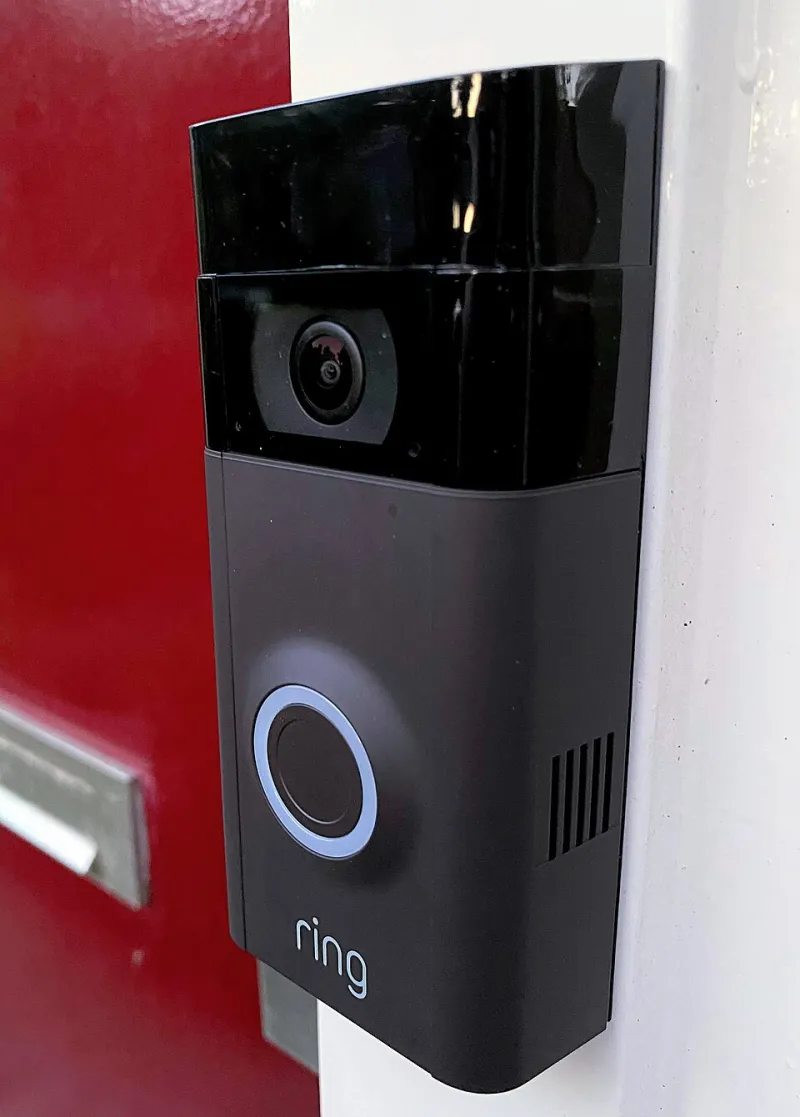
Photo: Matti Blume, CC BY-SA 4.0, via Wikimedia Commons
Most UK kitchens now have a small fabric-covered cylinder or plastic puck sitting somewhere between the kettle and the biscuit tin. It plays Radio 4, sets a timer for the pasta, adds milk to the shopping list and occasionally answers a question nobody really asked. It is useful. It is also a microphone with an internet connection in the busiest room in the house.
That does not mean it is listening to your every word for nefarious reasons. It does mean most of us set it up in five minutes and have never gone back to check what it stores, who can buy through it or how it behaves around children and guests. So here is a twenty-minute tea-time tune-up. No drama, no need to bin the thing, just a sensible reset for the way it fits into family life.
Start with the app, not the speaker
Almost every setting worth changing lives in the companion app on your phone, not on the speaker itself. Make a cup of tea, sit down and open the app for your device. Whether you have an Amazon Echo, a Google Nest speaker or an Apple HomePod, the pattern is similar: find the privacy or activity section and look for voice recordings, voice history or activity controls.
This is the part that surprises people. Many households have years of saved requests in there, from weather questions to half-finished song titles. You do not need to scrub every old recording, but it is worth turning on automatic deletion if the option exists. If the app lets you delete recordings by date range, clear out the older ones. If it offers a choice between saving audio and saving only text, decide what you actually need. A speaker that remembers your preferences is handy; a speaker that keeps a rolling archive of your kitchen conversations is not doing you any favours.
The buying problem nobody thinks about
Voice purchasing is one of those features that sounds futuristic until a child asks the speaker to order something and it nearly does. In the UK, many smart speakers can be linked to a payment card or Amazon account, and the settings are not always obvious after setup.
Find the purchasing or shopping section in the app. If you never buy things by voice, turn voice purchasing off. If you do use it, set a purchase approval PIN or passcode and make sure only adults know it. Check which payment cards are stored, and look at any skills or actions that can take payments or start subscriptions. A children's quiz skill should not be able to sign you up for anything.
This is also a good moment to review household profiles. If there is a child profile on the speaker, check what it can access. Explicit-content filters, shopping permissions and calling rules should all be set deliberately rather than left on whatever the default happened to be.
Drop-in, calling and the open channel
Drop-in and intercom features are genuinely useful in some homes. They let you check in from another room or call the kitchen from upstairs. They also create a channel into your kitchen that you may not want open to everyone in your contacts list.
Open the communication settings and look at drop-in, calling and announcements. If you never use drop-in, disable it. If you do use it, limit it to a small list of approved contacts rather than allowing anyone you have ever emailed. Check whether unknown callers can reach the speaker and turn that off. On devices with a screen, check the same settings for video calling.
If the speaker sits in the kitchen, think about timing too. A drop-in during Sunday lunch is one thing; one at seven in the morning is another. Many systems have do-not-disturb hours or night modes. Use them. The kitchen should not become a broadcast station just because the technology can do it.
Children, guests and the household rules
If you have children, the speaker probably knows their voices better than some relatives do. Go through the child account settings with them, not just for them. Show them how to mute the microphone and explain why it matters. Check which skills or actions are enabled and remove the ones that ask for personal details or try to sell something.
Guests are the other gap. A visitor in your kitchen does not know whether the speaker is muted, whether it records and who can drop in. If people are staying over, use guest mode where available or simply switch the microphone off. It is a small courtesy that avoids a lot of awkward questions later.
Then agree a few house rules. Nothing sensitive near the speaker: no bank details, no passwords, no medical conversations you would not want saved. If you want to talk privately, use the physical mute button rather than whispering. Know where that button is on every device. And if the speaker has a camera or screen, check whether it has a shutter or privacy cover.
The twenty-minute checklist
- Minutes 0 to 5: open the app, find voice history and turn on automatic deletion if it is offered.
- Minutes 5 to 10: check voice purchasing, set a PIN if you need it, and review stored payment methods.
- Minutes 10 to 15: look at drop-in, calling and announcements. Limit them to people you actually know.
- Minutes 15 to 20: check child profiles, guest mode, the physical mute button and agree the household rules.
None of this is about treating your smart speaker like a suspect. It is about manners. A good kitchen appliance knows when to be useful and when to shut up. Twenty minutes now, then again when the clocks change, is enough to keep it that way.
TechyPure's view is simple: convenience is fine, but it should not come with a side order of surprises. A speaker that has been checked properly is easier to live with, easier to explain to children and far less likely to embarrass you in front of the in-laws.