The Houseguest Test: Making Your Smart Home Polite Before the Weekend Visit
There is a particular moment, usually about ten minutes after guests arrive, when a smart home stops feeling clever and starts feeling nosy. Someone asks the speaker to play music and it replies with a cheery summary of your latest delivery. Someone else notices the doorbell camera angled at the pavement and asks, casually but not casually, whether it records sound. The kettle boils. Everyone pretends not to care.
None of this needs to be a big deal. You do not have to unplug the entire house or deliver a privacy lecture before handing over the spare-room key. But a little preparation goes a long way. Think of it as the houseguest test: if a friend stayed for a weekend, would your smart kit behave itself? Here is the straight-talking version.
Start with the things that speak out loud
Smart speakers are the most obviously sociable gadgets in the house, which is exactly why they need a quick once-over before guests arrive. The main issue is not that they are listening for commands — it is that they sometimes answer questions nobody meant to ask, or read out notifications that were meant for your ears only.
Have a look at your speaker's activity history. Most major assistants let you review and delete past voice recordings, and it is worth doing before someone else is in the room. If your speaker is set to announce deliveries, calendar events or reminders, pause those announcements for the duration of the visit. You can turn them back on afterwards. If you use a routine that reads out your morning briefing at 7am, either disable it or warn your guests that the house will start talking before they have had coffee.
One small rename worth considering: if your speaker is called something like “Office” or “Bedroom” and you have two of them, guests will have no idea which one they are addressing. Clear names help. “Kitchen speaker” is not glamorous, but it works.
Give the doorbell a rest — or at least an explanation
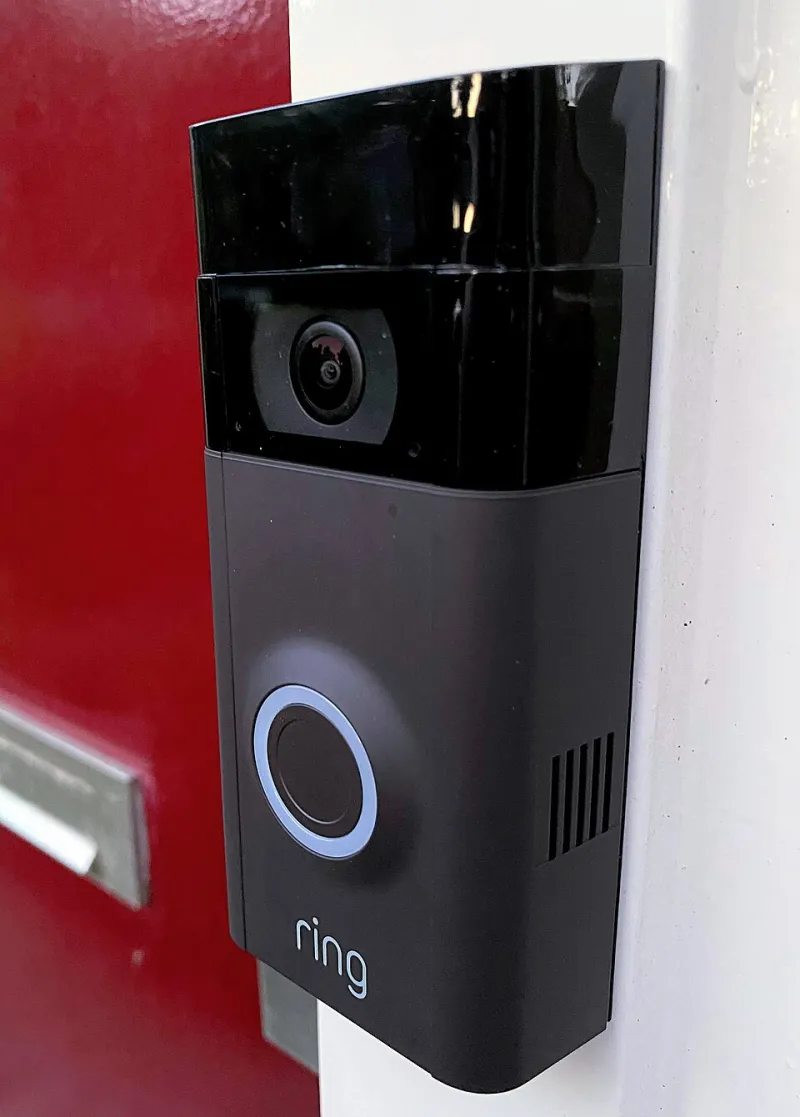
Video doorbells are brilliant until you have guests. Then the notifications become a running commentary on people arriving, leaving, smoking outside, or standing on the step looking for the Wi-Fi password. More importantly, guests may not expect to be filmed or recorded on a doorstep.
You do not need to rip the thing off the wall. But you can pause motion alerts, turn off two-way talk if you are not expecting anyone, and check whether audio recording is enabled. If your doorbell covers a shared entrance, a pavement or a neighbour's door, be especially careful about what it captures. This is not about being paranoid; it is about being a decent host and a decent neighbour.
If your guests are staying for more than a night, tell them plainly: “The doorbell records the front step, but I have turned off alerts while you are here.” Most people will appreciate the honesty far more than a silent camera.
Treat the Wi-Fi as part of the welcome pack
Guests will ask for the Wi-Fi password. That is not a privacy failure; it is just what happens. The trick is not to hand over the password for the network that runs your smart locks, cameras and heating controls.
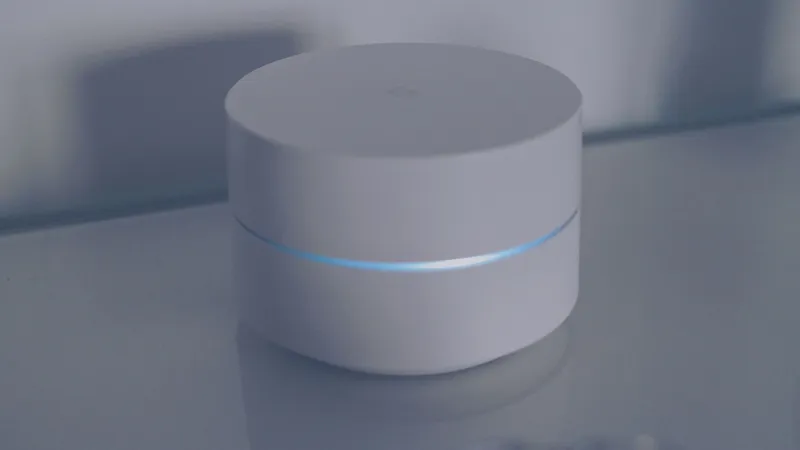
If your router supports a guest network, use it. A guest network keeps their phones and laptops separate from your smart home devices and your main computers. It is not a magical security shield, but it is a sensible lane divider. Set it up before they arrive, give it a simple name and a password you are happy to say out loud, and write it on a little card or stick it on the fridge if you are feeling organised.
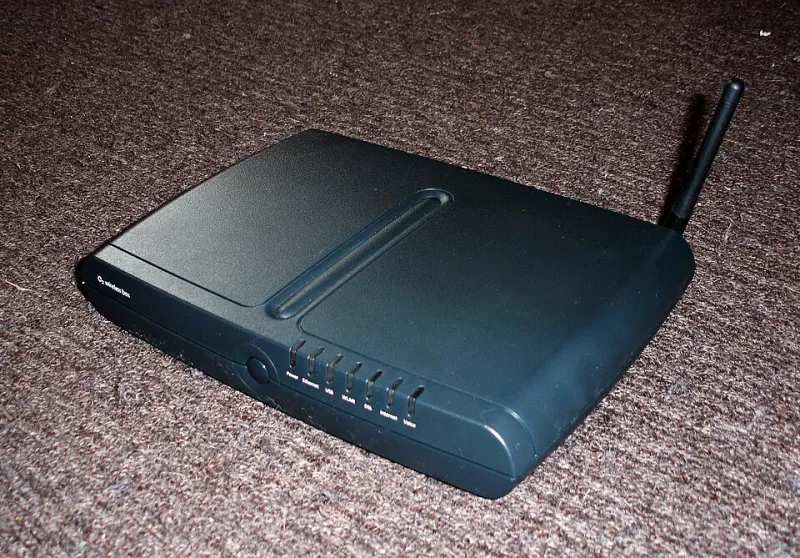
If you do not have a guest network, at least avoid sharing the admin password for your router. Nobody needs that. And if your broadband provider's router is ancient and does not offer guest Wi-Fi, that is a good excuse to think about a replacement — but not ten minutes before guests arrive.
Sort out the television before someone asks for the remote
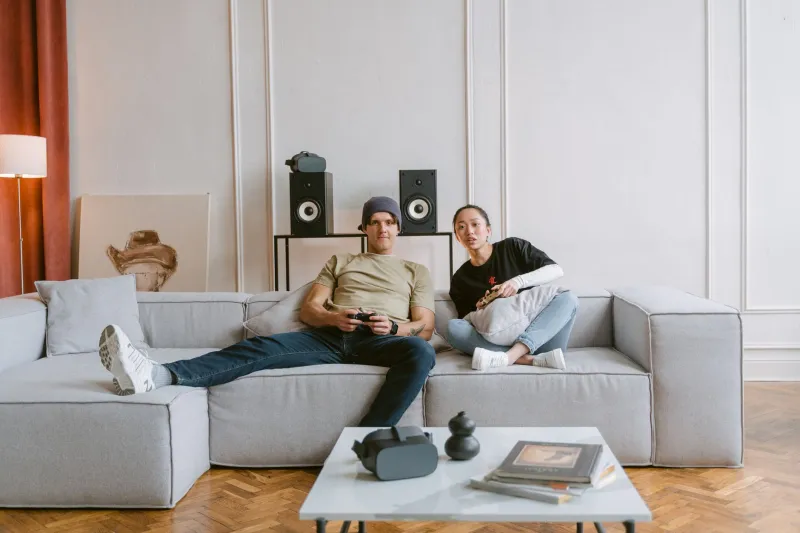
Streaming profiles are a quiet source of awkwardness. Your guests log into their own account on your TV, and suddenly your recommendations are a mixture of your viewing history and their box-set binge. That is not a crisis, but it is untidy.
Most smart TVs and streaming sticks let you create a guest profile or simply add a separate user profile for the visit. If that feels like too much faff, at least check that you are not signed into anything you would rather keep private — a shared family account, a work profile, or a subscription you have forgotten about. And if you have a voice remote, be aware that it may pick up conversations in the room. You can usually turn off the microphone or use the remote's mute button.
Leave the boring stuff alone
Here is the part where it is easy to overdo it. You do not need to disable your heating controls, unplug the fridge or turn your smart bulbs into dumb bulbs. Most guests could not care less about your thermostat schedule. The house should still work while they are in it.
What you are aiming for is not a fortress. It is a house that feels normal. Pause the announcements, quieten the doorbell, separate the Wi-Fi, tidy up the TV profiles and have a quick think about anything that records sound or video in shared spaces. That is it.
A smart home should make hosting easier, not turn you into a part-time security guard. Do the checks, keep the explanations short, and then get back to the important business of putting the kettle on.