Sticker, Stuck, Scanned: A Calm 2026 Guide to Rogue QR Codes
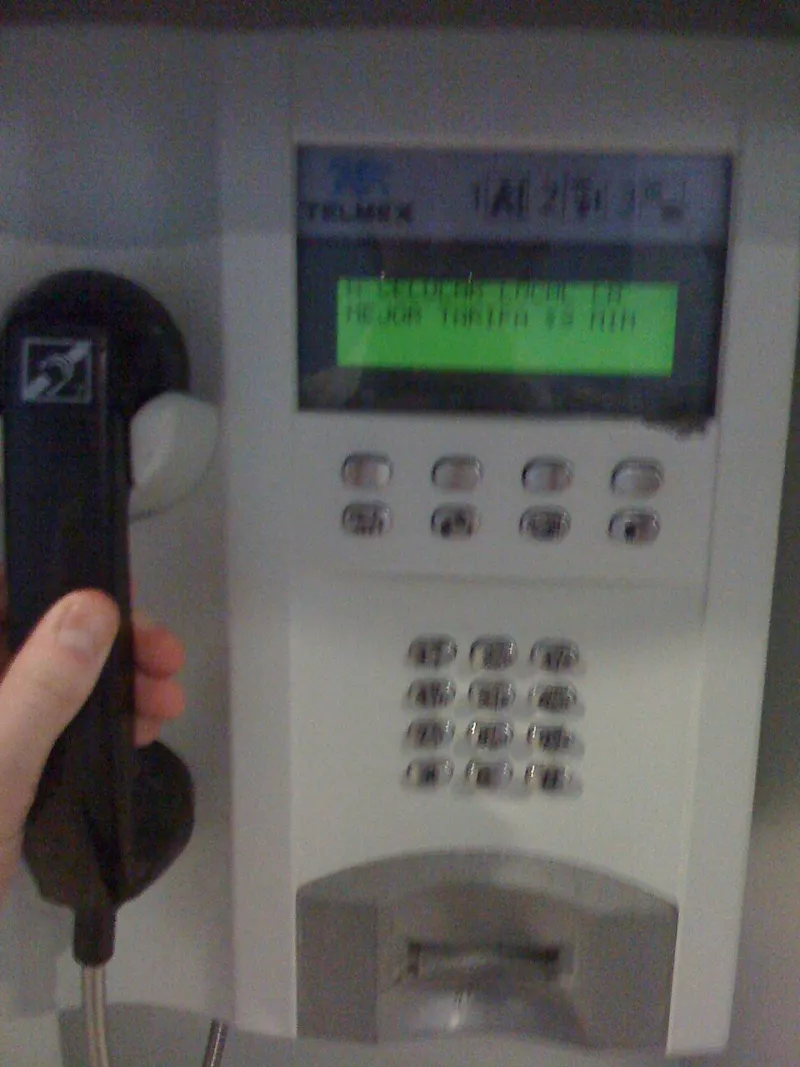
Photo: Matthew Hurst, CC BY-SA 2.0, via Wikimedia Commons
In 2026, QR codes have quietly won. They are on the side of parking meters, taped to restaurant tables, printed on parcel cards and stuck to council noticeboards. Most of them do exactly what they say. But a QR code is not magic — it is a link in a square. And anywhere a link can go, a scammer can stick one.
The good news: you do not need to become a security expert or refuse to scan anything ever again. A few small habits will keep you out of trouble.
The sticker test
Look at the code before you point your phone at it. On a parking meter, an official QR code is usually part of the machine, printed on a proper label under plastic, or part of a council-branded sign. A dodgy one is often a sticker slapped on top: edges lifting, bubbles, slightly wonky, maybe covering the original instructions. If it looks like it was added in a hurry with a roll of labels, treat it as suspect.
Ask yourself: does this fit? A council is unlikely to stick a QR code on with Sellotape. A restaurant table card should match the restaurant's branding. A parcel slip from Evri or Royal Mail should send you to their official site, not a random short link. If the code is a sticker over another sticker, that is a red flag the size of a bus.
Your phone gives you a preview. Use it.
Modern phones are helpful here. Point your iPhone camera at a code and it shows the link before you open it. Android phones often show a notification or a preview too, depending on the model. Do not just tap through. Read the address.
You are looking for the actual domain, not the page title. 'paybyphone.co.uk' is not the same as 'paybyphone-parking.co.uk'. A string of random letters, a shortened link like bit.ly, or a domain that has nothing to do with the venue is a reason to stop. If you expected to pay a council and the link says something like 'secure-parking-pay-now.top', close it.
Where to be picky
Parking meters are the classic. You are in a rush, the app is fiddly, and a sticker promises a quick payment. That is exactly why scammers like them. If you can, download the official app from the App Store or Google Play instead of scanning. PayByPhone and RingGo are the names most UK drivers will recognise, but check with the council's own website if you are unsure.
Restaurant tables are another favourite. A sticker on the table can be swapped in seconds. If the menu link asks for card details before showing you a menu, that is odd. Parcel slips are similar: scan the code, then check the tracking page matches the courier's real site. Council notices and EV chargers are worth the same glance.
Paying without giving away the farm
A QR code that leads to a payment page is not automatically a scam. Lots of legitimate parking and menu systems work that way. But you should still check the address bar, look for the padlock, and be wary of any page that asks for your bank login, a full set of card details, or a download from outside your phone's app store.
If you are paying for parking, the safest route is usually the official app or the machine itself. If you must use a QR code, use a virtual card or Apple Pay/Google Pay where possible, so your real card number is not sitting in a form. And if the page asks you to 'verify your account' by entering a one-time code from your bank, stop. That is not parking. That is a scam.
If you have already scanned one
Do not panic. Scanning a QR code on a modern phone does not usually install malware by itself. The risk is the website it opens. If you scanned, saw the link, and closed it without typing anything, you are almost certainly fine.
If you entered card details, ring your bank using the number on the back of your card, explain what happened, and ask them to freeze or replace the card. If you entered a password, change it and turn on two-factor authentication. If you downloaded an app or a profile, delete it and run a security check. Then report it to Action Fraud and tell the venue or council so they can remove the sticker. A quick photo of the code helps.
A simple rule
Treat a QR code like a link from a stranger. You would not type your card details into a link someone texted you out of the blue. The same goes for a sticker on a parking meter. Scan with your eyes first, read the preview, and pay through a route you trust. That is not paranoia. It is just good manners for your money.