The Advert Knows You Paused It: A Sofa-Side Privacy Tune-Up for Your Smart TV
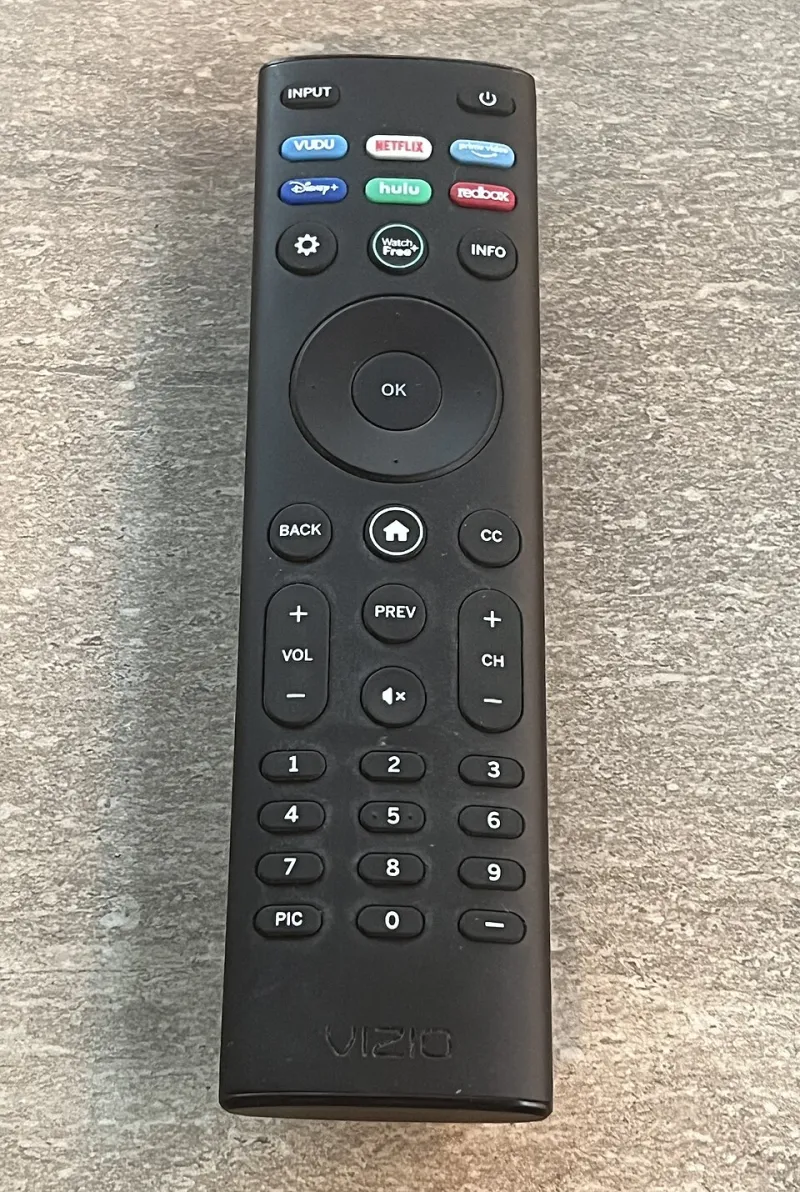
Photo: TaurusEmerald, CC BY-SA 4.0, via Wikimedia Commons
There is a moment, about a week after you set up a new telly, when the adverts start to feel a bit too on the nose. You watch two episodes of a cookery programme and suddenly the box is nudging you towards a kitchen gadget shopping channel. That is not a coincidence, and it is not witchcraft. It is a small amount of data about what you watch, packaged up and used to decide what you see next.
None of this is a scandal. Smart TVs are cheap partly because the hardware is subsidised by the software, and the software earns its keep through advertising and analytics. What is worth doing is knowing what is switched on, deciding which bits you can live with, and turning off the parts that serve nobody but the manufacturer. It takes about five minutes and you only have to do it once per set.
What actually leaves the box
Three things are worth understanding before you start prodding menus.
The first is automated content recognition, usually shortened to ACR. The telly takes small snapshots of what is on screen, including from HDMI inputs, so your games console and your set-top box are not exempt, and matches them against a database. That is how it knows you watched a DVD or a match that the TV's own software had no business knowing about. Some brands call it Live Plus or Viewing Information Services; others bury it under the word personalisation and hope you scroll past.
The second is the advertising ID. A string of letters and numbers that identifies your set to advertisers without handing over your name. Reset it and you look like a brand new household for a while.
The third is the voice assistant. If your remote has a microphone button, it listens when you press it. On some sets the TV is also listening for a wake word the rest of the time. That is a genuine convenience and a genuine microphone in your living room, so it deserves a conscious decision rather than a default one.
The five-minute sweep, by brand
Menus move around with firmware updates, so treat these paths as a rough map rather than directions that will still be accurate in a year. The words to look for are consistent, though: privacy, terms, advertising, viewing information, ACR.
Samsung: Settings, then All Settings, then General & Privacy, then Terms & Privacy. You will find toggles for Interest-Based Advertising and Viewing Information Services. There is also a Voice section where you can switch off voice recognition altogether, at the cost of the remote's cleverer party tricks.
LG (webOS): Settings, then Support, or All Settings then General, then Privacy & Terms. LG's ACR switch has historically been called Live Plus. Turn it off and the recommendations get noticeably blunter, which is the trade you are making.
Google TV and Android TV sets (Sony, TCL, Hisense and Philips among them): Settings, then Privacy. Look at Ads, where you can delete the advertising ID, and Usage & Diagnostics. Google's menus are the clearest of the lot, which is faint praise but praise nonetheless.
Amazon Fire TV: Settings, then Preferences, then Privacy. There are separate switches for interest-based ads and app usage data, plus an option to disable data collection from HDMI-connected devices. That last one is the ACR switch by another name and it is easy to miss.
Roku: Settings, then Privacy. The Smart TV experience setting controls viewing data, and you can limit ad tracking from the same screen.
Freeview Play, YouView and Freesat boxes: these are generally lighter on data than the TV's own operating system, but the set underneath is still doing its own thing. Switching off ACR on the TV does not switch off the box, and the reverse is also true.
The apps are the bigger mouths
Here is the part that gets skipped. The TV's operating system is one data collector; the apps you have signed into are a dozen more. BBC iPlayer, ITVX, Channel 4, My5, Netflix, Prime Video, Disney+ — each has its own account, its own viewing history and its own advertising preferences, usually buried on a web account page rather than anywhere on the telly itself.
Do a quick audit instead. Open the app list and ask who is still signed in. An old housemate's Netflix profile, a shared Prime account, a children's profile that has quietly matured into an adult one. Sign out of what you do not use. That is less about privacy theatre and more about not paying for four streams when you watch one.
Then, if you care enough, spend five minutes in each app's account settings switching off personalised ads. You will still see adverts. They will just be less well aimed, and the profile built around your household will be a little thinner.
The things you cannot switch off
A modern TV needs a network connection to work properly, and a network connection means telemetry: crash reports, firmware checks, the basic handshake that keeps the thing running. You cannot zero this out without pulling the ethernet cable, and if you do that you lose the apps, the updates and most of the reason you bought the set.
You also cannot easily stop the manufacturer knowing roughly what you watch if ACR stays on, and you cannot independently verify that a toggle does exactly what the label claims. The honest position is this: you are narrowing the pipe, not sealing it. That is still worth doing. A telly that knows you like detective dramas is a mild irritation; a telly that also knows which console you play and which streaming service you paused is a slightly larger file with your household's habits written into it.
One extra habit worth having
If your router supports it, and most supplied by UK broadband providers now do, put the telly on a guest network or a separate SSID. It will not stop the TV talking to Samsung or LG, but it does stop it browsing the rest of your home network, which is where the genuinely valuable stuff lives: the NAS drive, the printer, the smart plugs and the laptop you do your banking on.
The realistic verdict
Five minutes, once, per screen. Turn off ACR if the trade does not bother you. Reset the ad ID. Make a decision about the microphone. Sign out of the apps you had forgotten existed. Then go back to watching the telly, which is what it is for.